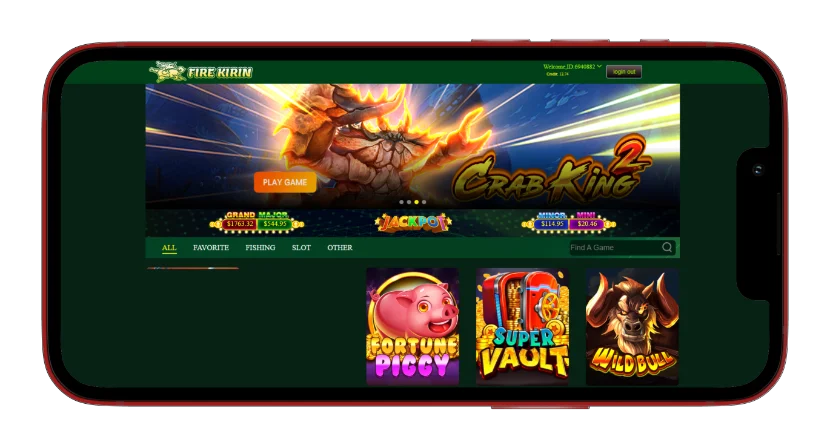
Fire Kirin on PLAYGAMES2026 — Play Online, Login & Game GuideFire Kirin — Play Online, Login & Complete Game Guide
Fire Kirin is a gaming platform built around fish-table games and slot titles, and PLAYGAMES2026 is your secure access point. This guide covers the game library, browser play without downloading, login steps, supported devices, and how to verify the correct provider link. It also explains common loading and account-access issues.
Deposit Now
Supported Devices and Download Options
Android
Android users can access Fire Kirin through the browser-based H5 version using the secure platform link issued for their account. No APK is required. If a home-screen shortcut is offered, use only the source shown through PLAYGAMES2026; third-party APK repositories may not connect to the correct provider network.
iPhone and iOS
iPhone and iPad users open the issued platform link in Safari or Chrome. Browser play is the primary iOS path and uses the same player credentials and provider-credit balance.
PC and desktop
Desktop users open the issued link in Chrome, Firefox, or Edge on Windows or macOS. No emulator or additional desktop software is required.
Is Fire Kirin Safe and Legit?
Player safety checklist
The supported Fire Kirin path starts inside PLAYGAMES2026. Credentials and the provider link are issued through the connected account flow. Before entering them, apply this checklist:
If a link is uncertain, return to Platforms or contact support before login.
- The link matches the one displayed or delivered for your platform account
- HTTPS is visible in the browser address bar
- The page was reached from PLAYGAMES2026, not an unknown search result
- No payment details are requested before provider login
- Support routes back to an official PLAYGAMES2026 channel
Responsible play
Fire Kirin is presented for entertainment through platform credits. Set a credit budget and session-time limit before each session, and stop when either is reached. Outcomes across every format vary on each spin, shot, or round and are never guaranteed.
What Is Fire Kirin?
How Fire Kirin works
Fire Kirin is a social-casino platform with fish-table, slot-style, and arcade games using virtual credits. Players use PLAYGAMES2026 to connect an account, add credits, and receive the credentials and secure lobby link.
PLAYGAMES2026 manages account connection and funding. Fire Kirin remains a separate provider lobby with its own catalog and credit balance.
Who plays Fire Kirin
Fire Kirin attracts players who prefer interactive fish-table arcade play in addition to standard reel games. Fish tables use a targeting format in which players choose a credit-per-shot value and aim at moving characters. Players who prefer reel-based games can use the same connected provider account to explore the slot library.
Fire Kirin Game Types
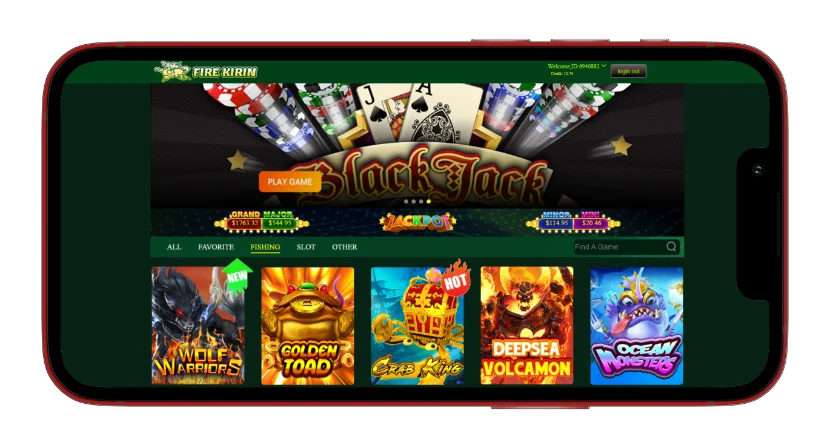
Fish table games
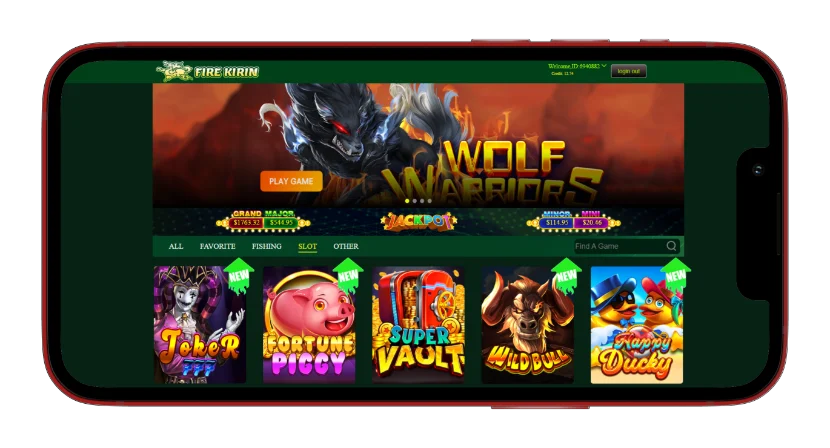
Fish-table games are the defining format of the Fire Kirin library. Players select a credit-per-shot value and aim at moving underwater characters, while the provider awards virtual credits according to the targets hit. Popular formats include boss targets, shared tables, and fast arcade rounds. The exact title list can vary by lobby version and maintenance.
Slot games and Fire Kirin 777
The Fire Kirin reel library spans a range of themes, layouts, and feature types. “777” is commonly used as a lobby or search label rather than a separate PLAYGAMES2026 product. It does not create another user account, platform wallet, or funding path.
Other game modes
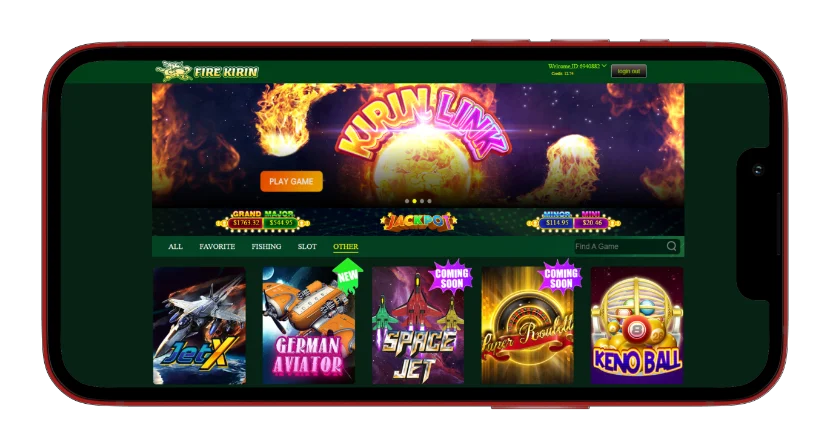
Beyond fish tables and slots, the provider may include arcade, bingo, racing, keno, and table-style formats. These options give players alternatives to reel and targeting gameplay. All of them share the connected provider account, while availability remains controlled by the current Fire Kirin lobby.
Fire Kirin Login — Access Your Account
Where to find your username and password
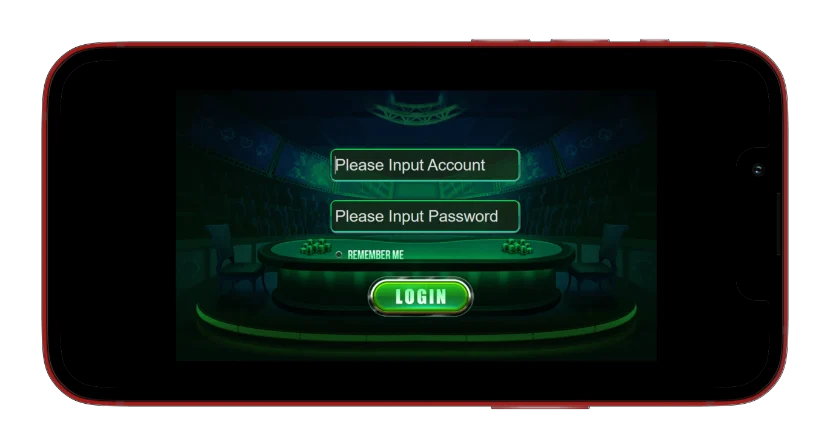
Create or connect Fire Kirin from the PLAYGAMES2026 Platforms page. The username, password, and secure provider link are displayed or delivered after the platform account is ready. Open that exact link and enter the credentials as issued. Both values are case-sensitive, so copying them is safer than retyping special characters.
How to reset your password
If the credentials do not work, confirm they were copied without leading or trailing spaces and that no active session is running on another device. If access still fails, contact PLAYGAMES2026 Support from the registered account so the connected provider identity can be checked.
What is the Fire Kirin jump screen?
The Fire Kirin jump screen usually refers to the swipe-up or slide-up loading interface shown by some provider portals before login. It is not necessarily an error. If the gesture does not respond, refresh the page, clear stale site data, enable JavaScript and pop-ups, and reopen the secure link from your account.
Login readiness checklist
Before treating a failed login as an account problem, verify the exact provider URL, enter both case-sensitive credentials as issued, close older Fire Kirin sessions, and confirm that the browser allows cookies and JavaScript for the provider domain.
Play Fire Kirin Online — No Download Required
Step-by-step access through PLAYGAMES2026
Fire Kirin browser play follows a connected-account sequence: sign in to PLAYGAMES2026, open Platforms, create or connect Fire Kirin, and add the provider credits you want to use. When the player account is ready, open its secure provider link and enter the issued credentials to reach the game lobby.
Browser access — mobile and desktop
The web lobby opens in a supported browser without a separate app, APK, or desktop installation. Mobile and desktop access use the same connected player account and provider-credit balance.
Browser requirements and compatibility
For reliable play, use a current stable browser, keep JavaScript enabled, permit cookies for the provider domain, and allow the platform to open its game window. A stable network connection is recommended while a round is active.
Common errors — jump screen and swipe up
The jump screen may require a tap or swipe before the lobby appears. If it is unresponsive, clear the provider site data, confirm JavaScript is enabled, close the stale tab, and reopen the link from PLAYGAMES2026.