Game Vault on PLAYGAMES2026 — 999 vs 777, Fish Games & Login GuideGame Vault — 999 vs 777, Fish Games, Login & Access Guide
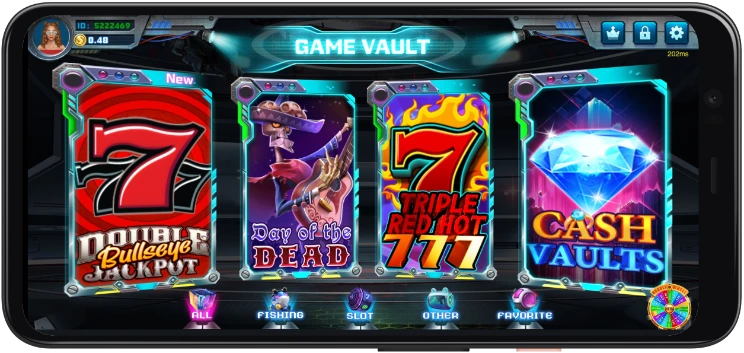
Game Vault is a fish-table and slots gaming platform available through two lobby variants: Game Vault 999 and Game Vault 777. This guide explains their differences, what each version includes, how to play online, login steps, device options, and how to verify the correct provider portal.
Deposit Now
Is Game Vault Safe and Legit?
Verification checklist
The supported Game Vault path starts through PLAYGAMES2026. Credentials and the provider link come from the connected account flow. Before login, apply this checklist:
- The link matches the one assigned to your account, character by character
- HTTPS is visible in the browser address bar
- The page was opened from PLAYGAMES2026, not an unknown search result
- No payment information is requested before provider login
- Support routes back to an official PLAYGAMES2026 channel
Red flags to avoid
Avoid payment requests before login, unsolicited APK downloads, and links sent through unknown social accounts or text messages.
Responsible play
Game Vault is presented for entertainment through platform credits. Set a credit budget and session-time limit before every session, and stop when either is reached. Outcomes vary on every spin, shot, or round and are never guaranteed.
What Is Game Vault?
Game Vault is a social-casino gaming platform that hosts fish-table games, slot-style titles, and additional arcade formats through a virtual-credit system. PLAYGAMES2026 connects the player account, funding flow, and credentials used for the supported Game Vault experience across the 999 and 777 lobby variants.
The provider uses virtual credits rather than direct payment inside its lobby. Availability can vary by location, account status, and maintenance windows, and applicable rules can change. Review the current platform status shown in your account before adding credits or opening a provider session.
Game Vault Login
Where to find your credentials
Platforms provides the username, password, and correct 999 or 777 link for the connected account. Open it and enter both values exactly as shown.
Forgot your password
Confirm the credentials contain no extra spaces and no session is open elsewhere. If they still fail, contact PLAYGAMES2026 Support from the registered account.
Login troubleshooting
Before escalating a login failure, confirm every item below:
- You opened the exact link for the correct 999 or 777 lobby
- Credentials were entered exactly as issued
- No session is active on another device with the same account
- Browser cookies and JavaScript are enabled for the provider
- A VPN is not changing the provider session location
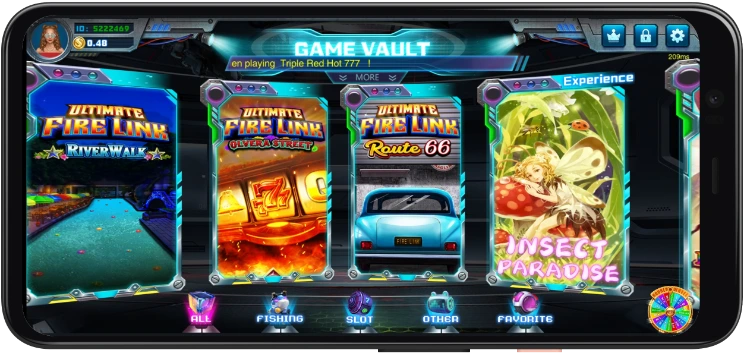
Game Vault 999 vs 777 — What's the Difference?
Game Vault 999 overview
Game Vault 999 is one of two main lobby variants and takes its name from the portal used for access. It uses the same virtual-credit model as the connected platform flow. Players receive the appropriate credentials and secure link, then use that link to enter the 999 lobby. Its library includes fish tables, slots, and other arcade formats, although exact titles can vary by provider build.
Game Vault 777 overview
Game Vault 777 is the second main lobby designation. It uses the same connected-account and funding flow: sign in to PLAYGAMES2026, create or connect the provider account, add credits, and open the issued 777 link. Always use the URL associated with the player account; the 999 and 777 links should not be interchanged.
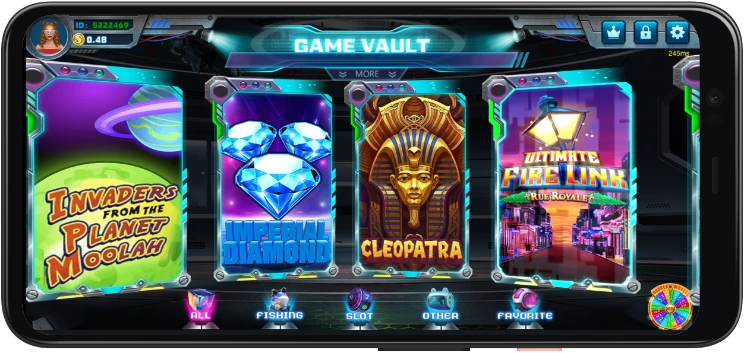
How to Play Game Vault
Play online — web version
Game Vault browser play follows a connected-account sequence: sign in to PLAYGAMES2026, open Platforms, create or connect Game Vault, add provider credits, and open the secure link issued for the account. Enter the credentials to reach the lobby. The web version requires no separate download on desktop or mobile.
Android
Android players can use the browser version or an official shortcut when one is displayed inside the account. Use only the supported provider path shown by PLAYGAMES2026. Third-party APK repositories are unverified and may route to an unrelated login page or outdated lobby.
iPhone and iOS access
iPhone and iPad players access Game Vault through Safari or Chrome by opening the secure provider link. The lobby loads in the browser without an App Store installation and uses the same credentials and provider-credit balance as Android and desktop.
PC and desktop
Desktop players open the provider link in a current version of Chrome, Firefox, or Edge on Windows or macOS. No emulator or additional desktop software is required, and an existing mobile player account does not need to be recreated.
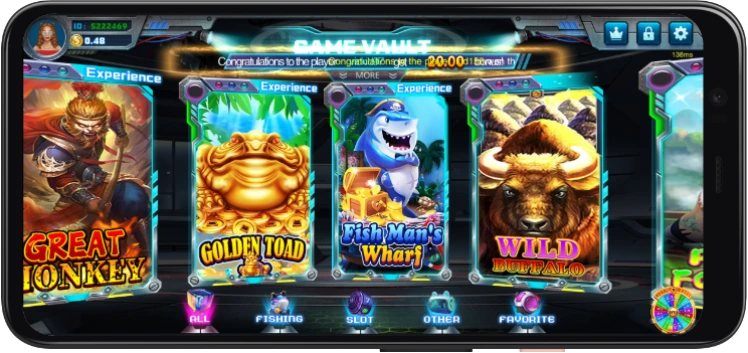
Game Types and Library
Fish table games
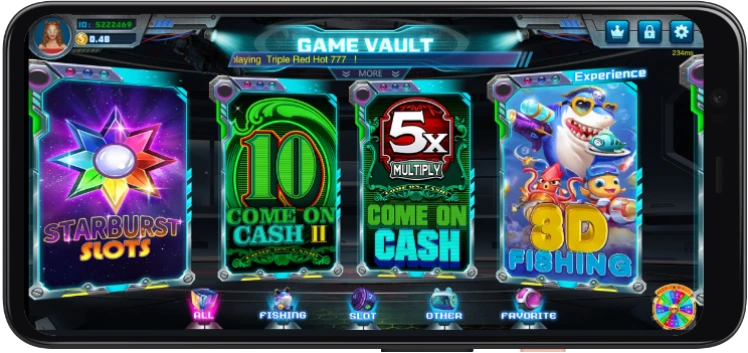
Fish-table games use a targeting format in which players choose a credit-per-shot value and aim at moving underwater characters. The catalog can differ between the 999 and 777 lobby builds.
Slot games
Reel-style titles form the largest category in many Game Vault catalogs and span classic layouts, themed video reels, and feature-focused formats.
Other game modes
Additional keno and arcade formats can appear outside the fish-table and slot categories. They share the same connected account and provider-credit balance.